
Understanding how work actually moves through a business is one of the first steps toward successful automation. A workflow may look simple from the outside, but it often contains approvals, manual checks, software handoffs, exceptions, and decisions that are easy to miss. 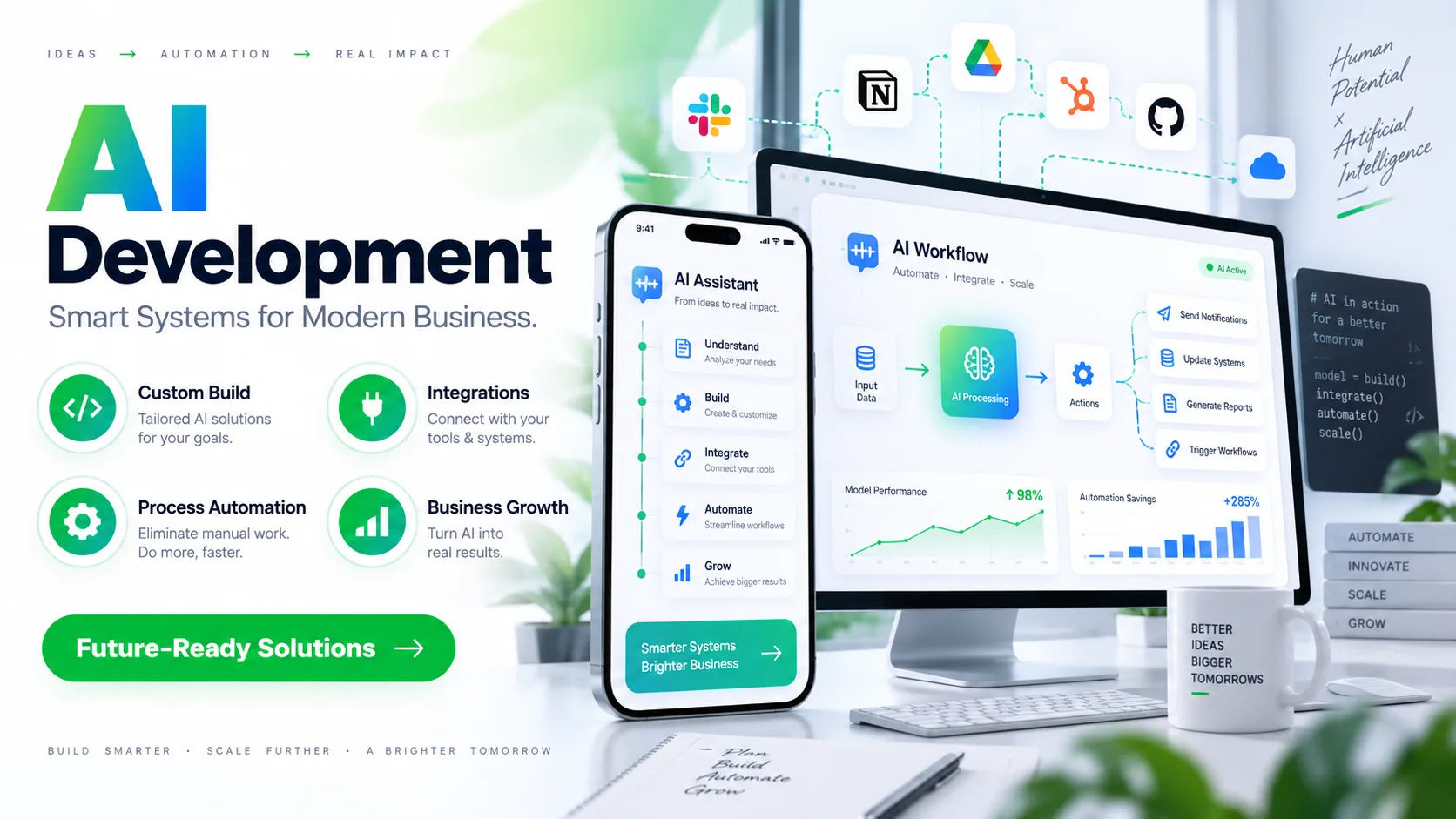 ai consulting and services can help businesses examine these activities in a structured way and turn them into a clear workflow map.
The goal is not simply to draw boxes and arrows. A useful workflow map should show what happens, who is responsible, what information is required, which systems are involved, and where delays or errors occur. This gives a business a practical picture of its current operations before changes are made.
Workflow mapping is especially important when a company wants to introduce artificial intelligence, automation, or new software. Without understanding the existing process, it is difficult to know what should be automated, what should remain under human control, and where technology can create the most value.
What Is Workflow Mapping?
Workflow mapping is the process of documenting how a task moves from its starting point to its completed outcome. It breaks a business process into individual steps and shows how those steps connect.
For example, consider a customer support process. A customer sends an email, the message enters a shared inbox, an employee reads it, the issue is categorized, information is collected, the request is assigned, and a response is prepared.
That may sound straightforward. In practice, several additional steps may exist.
An employee might check a CRM record before responding. Certain requests may require approval from a manager. Urgent cases may follow a different path. Missing information may cause the request to be sent back to the customer.
A workflow map makes these details visible.
Why Workflow Mapping Matters for AI Projects
AI systems work within business processes. They do not operate in isolation.
If an organization wants AI to classify documents, for example, it needs to understand where documents arrive, what formats they use, who reviews them, where extracted information is stored, and what happens when the system is uncertain.
This is why workflow mapping is often an early stage of an AI project.
A business may initially believe that a process needs an AI model. After mapping the workflow, it may discover that the main problem is actually duplicated data entry or a poorly connected software system.
In another case, mapping may reveal that AI is useful for one specific stage while human employees should continue handling exceptions.
The map therefore helps separate real opportunities from unnecessary automation.
How AI Consulting and Services Begin the Mapping Process
Defining the Business Process
The first step is identifying the process that needs to be examined.
A consultant may start with a broad process such as customer onboarding, invoice processing, employee recruitment, sales follow-up, or claims management.
The process is then given clear boundaries.
For example, an onboarding workflow might begin when a customer signs a contract and end when the customer has received access to the required services.
Defining these boundaries prevents the mapping exercise from becoming too broad.
Talking to the People Who Perform the Work
Written procedures do not always describe what happens in reality.
Employees often develop practical workarounds because official processes do not cover every situation. Someone may maintain a spreadsheet that is not included in the formal documentation. Another employee may manually check information because the existing software is unreliable.
Good workflow mapping accounts for these differences.
Consultants may interview employees, managers, process owners, and technical teams to understand how work moves between people and systems.
These conversations can reveal important details that are missing from standard operating procedures.
Collecting Existing Documentation
Existing documents can provide another layer of information.
These may include process manuals, standard operating procedures, training documents, forms, system documentation, approval policies, and reports.
The purpose is not to assume that these documents perfectly describe the workflow. Instead, they provide a starting point that can be compared with how employees actually perform the work.
This comparison can reveal gaps between the intended process and the real process.
Identifying Every Step in the Workflow
Once the process is understood, each activity can be documented.
A basic workflow might contain steps such as:
Customer submits information.
System receives the information.
Employee checks the submission.
Data is entered into a CRM.
Manager reviews the request.
Request is approved or rejected.
Customer receives an update.
However, detailed mapping goes further.
It asks what information is needed at each stage, which system is used, how long the step usually takes, and what happens when something goes wrong.
This level of detail matters because automation depends on precise inputs and outputs.
Mapping People, Systems, and Data
A workflow is not only a sequence of tasks. It is also a movement of information.
Consultants typically examine which people interact with each stage and which software systems are involved.
For instance, a sales workflow might involve a website form, CRM, email platform, customer database, payment system, and internal reporting tool.
If employees repeatedly copy information from one system to another, the workflow map should make that visible.
Data movement is particularly important for AI projects because AI tools often depend on information coming from multiple sources.
A workflow map can show where data originates, where it is transformed, where it is stored, and where it is ultimately used.
Finding Decision Points
Many business workflows contain decisions.
A request might be approved if certain conditions are met. A document might be routed to a specialist when it contains a particular clause. A customer might be assigned to a different team based on location or account type.
These decision points are important because they determine how the workflow branches.
AI consulting and services can examine these decisions to determine whether they are rule-based, judgment-based, or a mixture of both.
Simple rules may be handled through traditional automation.
More complex classification or prediction tasks may be candidates for AI.
Human judgment may remain necessary when the decision has significant financial, legal, customer, or operational consequences.
Mapping Exceptions and Edge Cases
One of the most valuable parts of workflow mapping is documenting exceptions.
The normal workflow describes what happens when everything goes correctly. Real businesses rarely operate under perfect conditions.
A customer may provide incomplete information. A document may be unreadable. A payment may fail. A software integration may stop working. A manager may reject a request.
Each situation can create a different path.
If these exceptions are ignored, an automated workflow may work well under normal conditions but fail when something unusual happens.
Consultants therefore ask questions such as what happens when information is missing, who handles unusual requests, when a process returns to an earlier stage, and when human intervention is required.
Measuring Time and Bottlenecks
Workflow mapping can also identify where time is being lost.
A process may contain ten steps, but only two may cause most of the delay.
For example, collecting information might take five minutes, while waiting for an approval could take two days.
Automating the five-minute task may have less operational impact than improving the approval stage.
This is why workflow mapping should consider both the number of steps and the time associated with them.
Other useful measurements include error rates, processing volumes, rework, waiting time, manual touches, and the number of employees involved.
Distinguishing Manual Work From Automated Work
Another purpose of mapping is to show which activities are already automated and which remain manual.
A business might have an automated customer form but still require an employee to copy the submitted data into another system.
It might automatically generate an invoice but require a staff member to check every invoice before sending it.
These gaps can reveal opportunities for improvement.
AI consulting and services can use the workflow map to examine whether an existing automation should be expanded, redesigned, or replaced.
Creating a Current-State Workflow
A current-state workflow describes how the business operates today.
This is sometimes called an "as-is" process.
The current-state map should represent reality rather than an idealized version of the process.
That distinction matters.
If a company documents only its official procedure, it may overlook manual workarounds, duplicate processes, spreadsheets, emails, and unofficial approval steps.
A realistic current-state map creates a reliable foundation for improvement.
Designing the Future-State Workflow
After understanding the current process, the next step is considering how it could work in the future.
This future-state workflow may introduce automation, AI, better system integrations, or redesigned responsibilities.
For example, an invoice workflow could be redesigned so that documents are automatically received, classified, extracted, validated, and routed.
However, exceptions could still be sent to an employee for review.
This approach does not attempt to remove people from every stage. Instead, it places human attention where it is most useful.
How AI Fits Into the Workflow Map
AI can support different parts of a workflow depending on the business problem.
It may classify incoming requests, summarize documents, extract information, detect patterns, draft responses, identify unusual transactions, or help employees make decisions.
The workflow map helps determine where these capabilities belong.
For example, an AI system may classify customer emails before they reach an employee. Another system may extract invoice information before the data enters an accounting platform.
The important point is that AI should serve a defined process.
Adding AI simply because it is available does not automatically improve the workflow.
Connecting Workflow Mapping With Business Systems
Modern workflows often cross multiple platforms.
A single process may involve CRM software, accounting software, communication tools, databases, cloud storage, and internal applications.
Mapping these connections helps identify integration requirements.
A consultant may document which system sends information, which system receives it, what format is used, and whether the transfer is automatic or manual.
This information is useful when designing APIs, integrations, automation rules, or AI applications.
It can also expose older systems that may need special handling.
Using Workflow Maps to Identify Automation Opportunities
Not every task should be automated.
A strong workflow assessment considers factors such as task frequency, consistency, volume, complexity, error rates, and business impact.
Highly repetitive tasks with clear rules are often easier to automate.
Tasks requiring nuanced judgment may require human involvement.
AI can be particularly useful when a workflow involves large amounts of unstructured information, such as emails, documents, customer messages, or text records.
The workflow map provides the context needed to make these distinctions.
Validating the Workflow Map
A workflow map should be reviewed by the people who understand the process.
Employees can confirm whether the documented workflow reflects what actually happens.
Managers can check whether the map reflects business policies.
Technical teams can verify system connections and data movement.
This review stage can uncover missing steps or inaccurate assumptions.
It is much cheaper to correct an incorrect workflow map before automation is built than after software has already been deployed.
Common Problems in Workflow Mapping
Mapping Only the Ideal Process
One common mistake is documenting what should happen rather than what actually happens.
The difference may seem small, but it can completely change the automation design.
Ignoring Exceptions
Another problem is focusing only on successful transactions.
Exception handling should be part of the workflow from the beginning.
Overlooking Data Quality
Poor data can affect every stage of a process.
If information is incomplete, duplicated, outdated, or inconsistent, automation may simply move those problems faster.
Treating Every Manual Task as a Problem
Manual work is not automatically inefficient.
Some tasks require human judgment, empathy, negotiation, or accountability.
The purpose of mapping is to understand the process, not to eliminate people from it.
What a Good Workflow Map Should Show
A useful workflow map should make several things easy to understand.
It should show where the process begins and ends, what activities occur in between, who performs each task, which systems are involved, what information moves between steps, where decisions occur, and what happens when exceptions arise.
It should also make bottlenecks and repetitive work visible.
The exact format can vary. Some businesses use flowcharts, process diagrams, swimlane diagrams, process documentation, or specialized workflow software.
The format matters less than whether the map accurately represents the process.
Benefits of Using AI Consulting and Services for Workflow Mapping
Professional workflow analysis can provide structure when internal teams are too busy to document their processes thoroughly.
It can also bring technical and operational perspectives together.
Business employees understand how the work is performed. Technical specialists understand systems and integrations. AI specialists understand where machine learning or generative AI may fit.
Combining these perspectives can produce a more complete workflow model.
The resulting map can also become useful documentation for training, process improvement, compliance, software development, and future automation projects.
Questions to Ask Before Automating a Workflow
Before implementing an automated or AI-supported process, businesses should understand several basic issues.
What triggers the workflow?
What information enters the process?
Which steps are repetitive?
Which decisions follow clear rules?
Which decisions require human judgment?
Where do delays occur?
Where do errors occur?
Which systems need to communicate?
What happens when information is missing?
Who handles exceptions?
How will performance be measured?
These questions help turn a general automation idea into a practical process design.
Conclusion
Workflow mapping provides a clear view of how work actually moves through an organization. It connects people, tasks, information, software, decisions, and exceptions into one understandable picture.
The value of ai consulting and services in this process comes from combining business-process analysis with technical and AI knowledge. Rather than immediately introducing a new tool, consultants can first examine the existing workflow and identify where technology may genuinely help.
A strong mapping process begins with the current state. It documents real activities, not just official procedures. It identifies data sources, system connections, decision points, bottlenecks, and exceptions. From there, a future-state workflow can be designed around practical improvements.
This approach also helps businesses avoid a common automation mistake: automating a poorly designed process without understanding why it works the way it does.
The final workflow may include AI, traditional automation, system integration, or continued human involvement. In many cases, the most effective design combines all of them.
The key is understanding the process first. Once a business knows how work moves, where information gets stuck, where employees spend unnecessary time, and where decisions occur, it has a much stronger foundation for building reliable automation and AI solutions.
A workflow map is therefore more than a diagram. It is a practical representation of how a business operates and a starting point for making that operation more efficient, measurable, and easier to improve.